Motivation
Real faceless video examples
See What Faceless Reels Can Look Like
Explore six finished story formats, from history and mythology to motivation and curious facts. Choose an example to place its idea directly into Faceless Reels AI, then rewrite the angle for your own audience.
Why Faceless Reels AI Makes Faceless Reels Easier to Produce

Turn One Idea Into a Ready-to-Edit Script
Enter a topic and get a title, hook, narration, and ordered scenes for 5–60 second faceless reels. Review the structure before rendering.
Plan a faceless video
Direct Every Scene
Rewrite narration or visuals, then reorder, split, resize, delete, or lock scenes. The total duration stays consistent as the story changes.
Direct every scene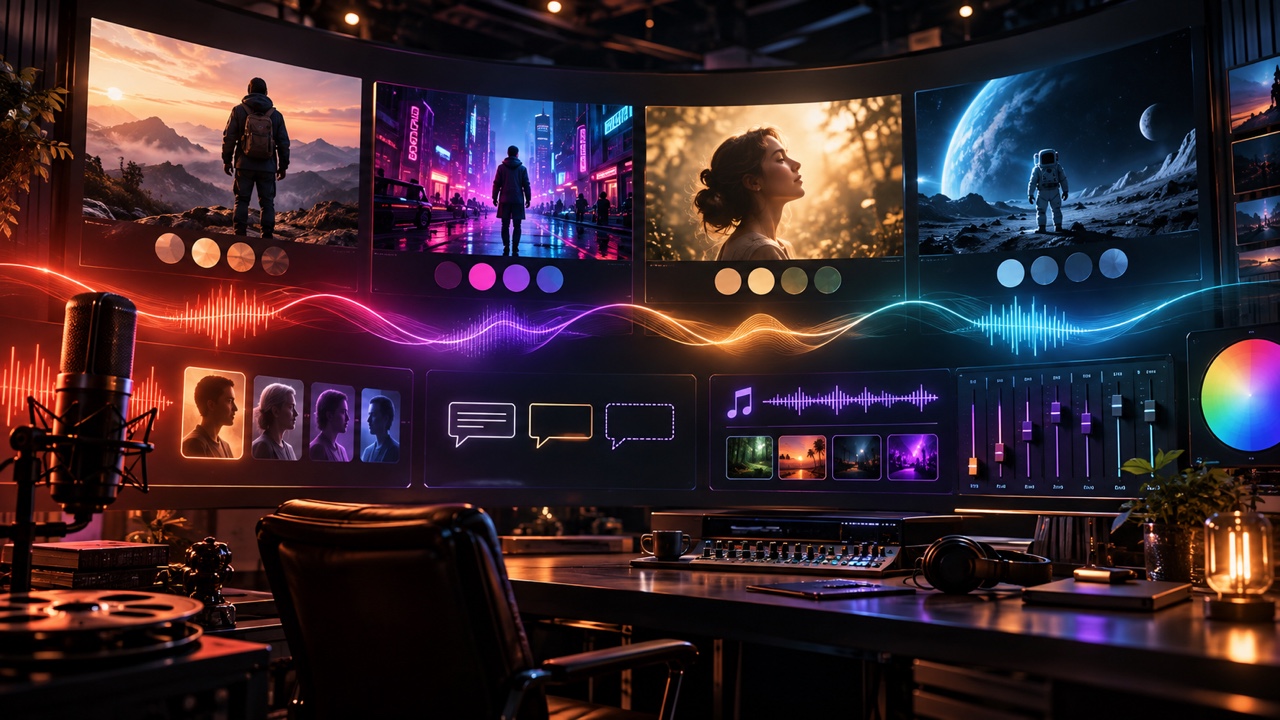
Set the Look and Sound
Match four visual directions with a narrator, caption treatment, and music choice. Upload an MP3 or WAV when the built-in moods do not fit.
Style your reel
Preview and Download the Result
Follow one saved render, preview the 9:16 result, download the video and SRT, and reopen successful work from creation history.
Generate faceless reelsA Faceless Video Workflow Built Around Creative Control
Faceless Reels AI keeps planning, direction, sound, rendering, and saved results connected, while leaving the decisions that shape the story in your hands.
Editable Before Rendering
Approve the narration, visual direction, order, and timing before generation begins. You can preserve good scenes and revise only what needs attention.
One Connected Project
Keep the brief, script, scene plan, narrator, captions, music, render status, and downloads together instead of moving assets between separate tools.

Made for Vertical Stories
Create 9:16 faceless reels in six duration choices, with scene timing and caption treatments designed around compact narration-led storytelling.
Saved for Later
Completed work remains in creation history, giving you a reliable place to preview and download a finished faceless video again.
Faceless Video Ideas for Different Story Formats
Retell Events With a Clear Narrative Arc
Open with the surprising detail, move through the essential events, and give each scene a visual setting. The editor helps historical faceless reels stay concise while preserving the context that makes the story worth watching.
Explain One Idea Through Visual Steps
Break a scientific fact, practical concept, or short lesson into narrated beats. Direct the visual for every explanation, then use readable captions so viewers can follow the faceless video with or without sound.
Build a Lesson Around a Memorable Hook
Start from a parable, principle, or useful habit and shape the setup, turning point, and takeaway. Voice, music, and caption choices help the message keep a consistent tone from the first scene to the last.
Turn a Brand Idea Into a Short Visual Story
Use a product insight, origin story, or customer problem as the brief. Review the narration and visual direction before rendering so the result follows the intended message without requiring presenter footage.
Plan the Details That Shape Each Faceless Video
For faceless reels, choose the format before generation begins. These controls keep timing, delivery, scene structure, captions, and background audio aligned with the story.
Six Durations
Choose 5, 10, 15, 30, 45, or 60 seconds to match a quick hook or a fuller narrated story.
Three Languages
Prepare the script and narration in English, Spanish, or Chinese from the same focused creation flow.
Four Story Tones
Set a curious, dramatic, educational, or playful direction before the first script is prepared.
Up to 12 Scenes
Allocate whole-second timing across an editable sequence while the selected total duration remains intact.
Timed Captions
Choose one of three caption treatments and download the approved narration timing as an SRT file.
Flexible Background Audio
Use a built-in music mood, keep narration clear with no music, or upload an MP3 or WAV track up to 10 MB.
Create Faceless Reels in Three Steps
Create your faceless videoDescribe the Story
Add the topic, select a duration, language, and tone, then let Faceless Reels AI prepare the first script and scene plan.
Direct Every Scene
Review narration and visuals, adjust scene timing, and choose the voice, captions, style, music, and volume before rendering.
Generate and Download
Follow the render on the homepage, preview the faceless video, download it with its SRT captions, and find the saved project later.
Faceless Video and Faceless Reels AI FAQ
Faceless reels are short vertical videos that tell a story or explain an idea without requiring the creator to appear on camera. They often combine narration, generated visuals, captions, music, and deliberate scene timing for repeatable voice-led content.

Create Faceless Reels From the Idea You Already Have
Give Faceless Reels AI a topic, guide the script and scenes, choose the sound and visual treatment, and turn the complete plan into a downloadable faceless video from one workspace.
Create a faceless reel